
If you have an e-commerce store, then you’re definitely worried about shopping cart abandonment. You’re probably keeping track of it and getting a bit sweaty under the collar when you see the numbers going the wrong way. If you’re obsessively tracking it, let’s try and help you get a handle on it. And if you’re scratching your head and wondering what we’re talking about, we can help you too.
What Is Shopping Cart Abandonment?
Imagine you’re walking around in the supermarket putting groceries in the shopping cart. You go aisle to aisle choosing what you need, head over to the counter to pay and your phone rings. Your friend is having an emergency and you have to go there right NOW! You run out of the shop, get into your car and rush over there, forgetting all about the shopping cart you have left on aisle six. You have literally abandoned your shopping cart!
A version of this happens online as well. You start shopping, placing books or clothes in a basket and head over to the checkout page to complete your purchase when you see an email you’ve been waiting for pop up at the bottom of your screen. You quickly navigate to that page to see what the email is about, respond quickly then start responding to other emails, forgetting all about the book you just had to have a few minutes ago.
If this has happened to you, then it is happening to your clients as well. Achieving 0% abandonment is not realistic. Even the best e-commerce stores experience abandoned carts. What you can do is try and keep it down as much as possible. Let’s dive in and find out how to do that!
Cart Abandonment Strategies
1. Send An Email Immediately After The Customer Abandons
These are not presented in any order, but this one is definitely first on my list!
As discussed above, customers abandon their shopping carts for various reason. Yes, sometimes it’s on purpose as they try to rethink their impulsive decision to buy shoes, but sometimes life happens. And what you want is to quickly remind them to come back to your site to complete the purchase.
This can only be possible, obviously, if they have gone far enough into the purchasing journey to provide their email address. You can then quickly send an email reminder with a link back to your e-commerce store and a reminder of what’s in the cart.
If they don’t come back, send a follow up email a few days later. How many you send after that without annoying your customers, is trial and error. And a quick survey to your database can help guide you on how to proceed after the second reminder is sent.
TakeALot sends a reminder email almost immediately after you navigate away from the page. This serves as a reminder, but the email also makes it super easy to navigate back and finish your purchase.
2. Include A Progress Indicator On Checkout Pages
I hate a long checkout process. Please don’t ask me for my blood type, if I want to sign up for your newsletter, or any other thing that is unrelated to what I’m doing. I want to complete my purchase in peace without being harassed by pop ups.
A progress indicator let’s your customer know how many steps they will have to go through before completing the purchase. It makes the process transparent. Avoid making the process too long. Just because you’re showing the ten steps it takes to finish off a purchase doesn’t mean your customers will be happy about it. Make the checkout process 3 – 5 steps.
3. Avoid Surprises Of Any Kind
Especially with shipping! No matter how much money we have, we all hate hidden costs.
Be transparent with all costs associated with a purchase, and list them at the beginning of the buying journey. To add them on the last page is actually sneaky, and it a contributor to people abandoning their carts.
4. Create Engaging And Powerful Product Pages
I know we’re busy talking about shopping cart abandonment, but there won’t be any carts to abandon if your product pages are confusing.
Do you have a search function on your site? Can customers easily move from one category to another? These are important updates to consider for your e-commerce store. It is not just the purchase experience that matters, the shopping experience matters as well.
5. Offer Multiple Payment Options
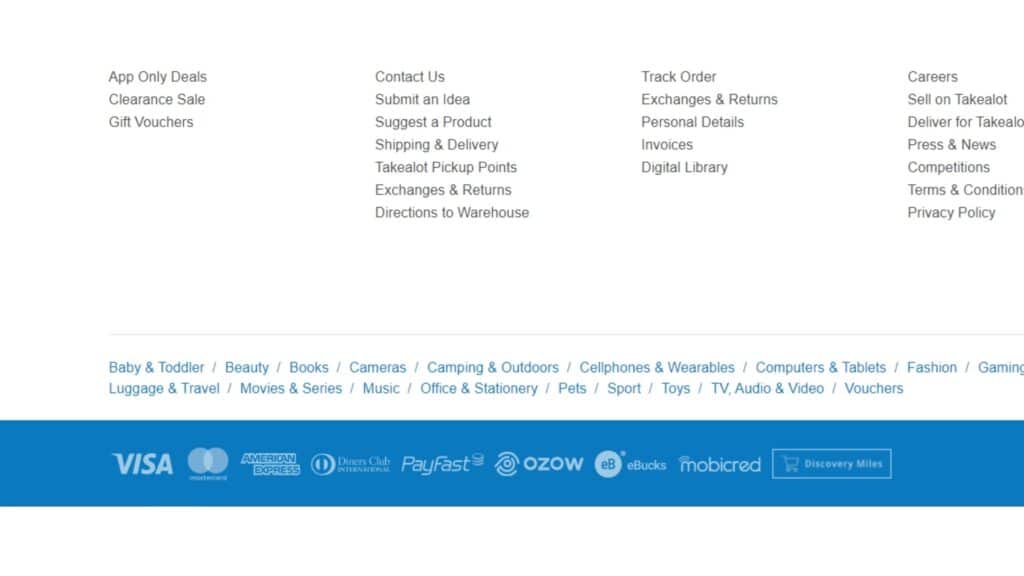
Credit card, EFT, cash on delivery and Snapchat are just some of the payment methods you can make use of. The idea is to try and offer as many as possible.
Not everyone has a credit card. So if you’re going to offer only credit card payment, you’ll miss out on a significant amount of sales. Some customers might even prefer to pay cash on delivery as they don’t trust online payments. So variety is key!
6. Show Security Symbols All Over Your E-Commerce Store
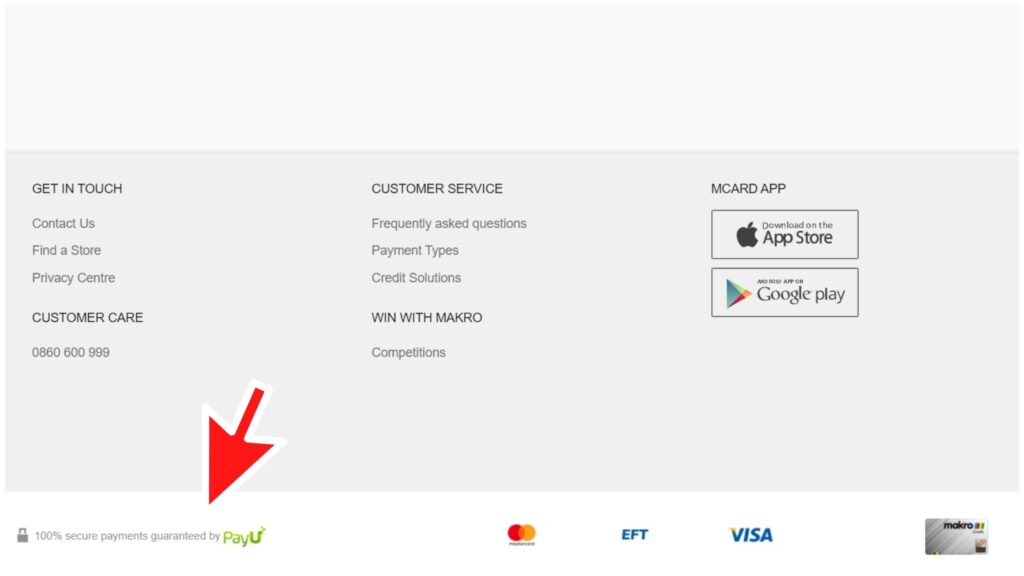
Speaking about credit card payment, now is the time to talk about the S word… Security! Listen, no one is going to input their credit card details on a website if they’re not sure that its safe. Cyber crime is real!
So how do you put our minds at ease? By disclosing clearly on your website how you’re going to protect our information. Logos are very important and reassuring. Most websites have a 2-step verification process before the purchase is complete. Whichever security measure you implement, make sure it is reputable.
7. Make The Cart Easy To Save And Edit
I’m not an impulsive buyer. So when I see something that I like, I add it to my cart, and usually come back later to complete the purchase. What I normally do is save the cart so I don’t have to go through the process of reloading it.
Make is easy for your customers to save their carts. If you’re going to send an email reminder for them to come back, they might not have the time to go through the whole process again. So include a link on the email, and also have a save button.
8. Boost Your Page Load Times
A slow loading website is not going to rank well on Google. So having a fast online store is essential for customers to find you.
Don’t make your customers wait. Faster loading times will keep your customers coming back. More importantly, it will make the shopping experience more pleasant.
9. Optimize You Website For Mobile
Mobile-first indexing is what Google is doing now. That means that Google ranks your website according to how mobile responsive it is, as most customers use their mobile phones to search.
The simplest way to check if your website is mobile responsive is to use it on your mobile. If you don’t have to scroll left to right to navigate it, then you’re on the right track. There are a lot more technical issues that go into it, but it’s a start.
10. Place Client Testimonials Everywhere
I love testimonials. I almost never buy anything without first checking out the product or company I’m buying from. Having client testimonials make it easier for customers like me to buy your product.
And please don’t try to fool us by only posting the good reviews. There are plenty of places for us to find the bad ones. If there’s a bad review, respond to it and try to resolve the issue. No matter how much we try, it’s impossible to make all clients happy.
11. Have A Clear Returns Policy To Reduce Shopping Cart Abandonment
You know what’s a red flag? Super small terms and conditions. Honestly, it’s super shady and seems like you’re trying to hide something. Customers will buy from you if they trust you. A clear returns policy is one big step towards trust.
Remember, when you walk into a shop to buy a dress or groceries, you know when the shop is. If you change your mind, it’s easy to simply walk back and return the goods. But with an online store, the only person your customer sees is the delivery man who doesn’t work for the you. So you need to be very clear about where, when and how returns can be made.
12. Accept Any Currency
This only applies if you ship your goods out of the country, of course.
Make it easy for your customers to shop without having to consult a calculator.
13. Go Through Your Checkout Process To Identify Leaky Spots
You need to put yourself in your customer’s shoes. Go through each page on your website and see how user-friendly (or not) it is.
Can you easily find what you’re looking for? Can you move from one page to another without having to exit your site completely or go to the home page first? If you’re experiencing difficulty navigating your site, imagine how difficult it is for your customer. If you feel like abandoning your cart before you complete the sale, then you’ve got a problem.
It’s A Wrapp!
It’s impossible to completely eliminate shopping cart abandonment from your store. Customers will change their minds for reasons we can’t completely predict or eliminate.
But these suggestions above will go a long way to making sure that those customers who just merely forget to click ‘buy’ come back to finish the job.
If you implement any of the steps above, please comment below to let us know if you see improvements to your online store.
Please share this post on social media with your followers.
